How to download
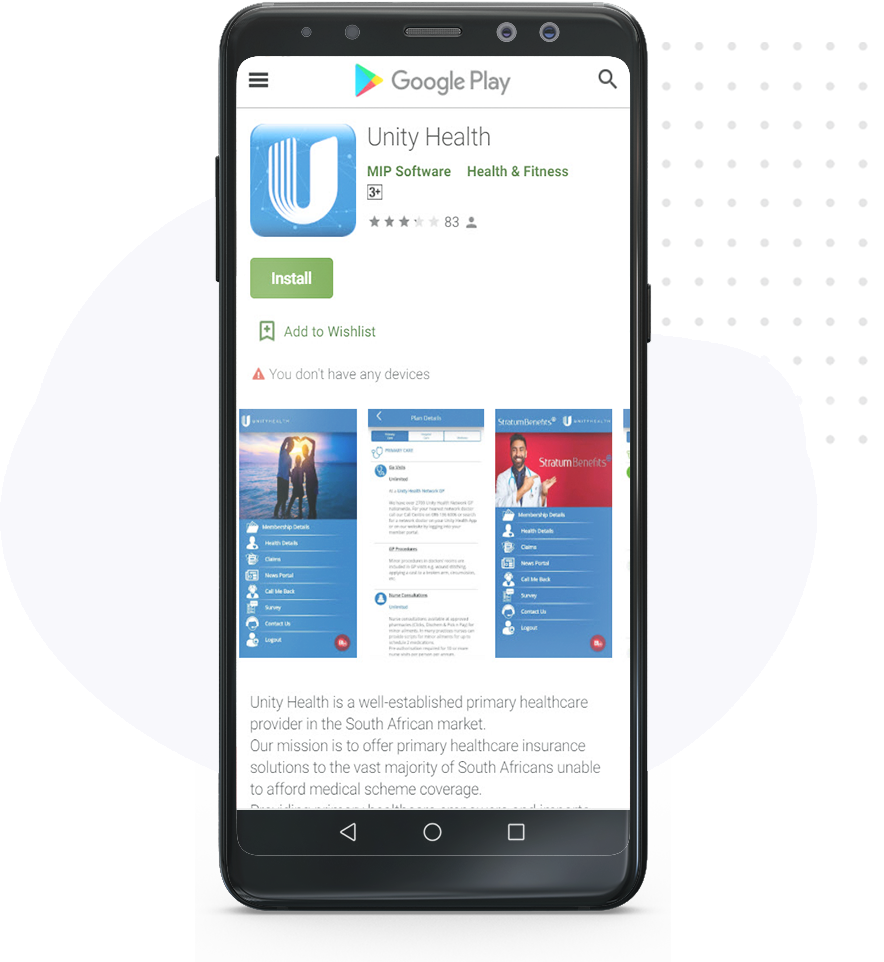
Our Elixi Health app works off the Unity Health platform because it’s the same great Unity doctor network that our members benefit from. You’ll sign up on the Unity app with all of your Elixi details and it will then give you everything you need.
To download the app, click on your mobile app store below.




How to register
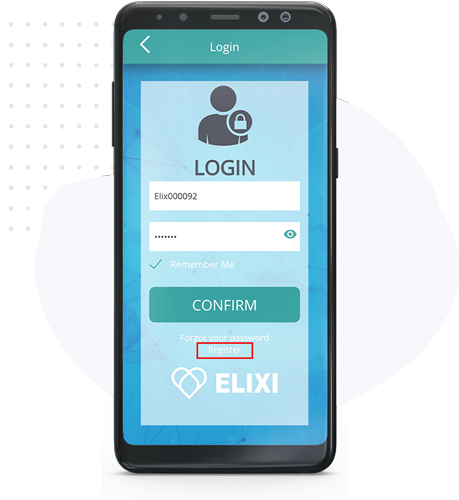
Open the App for the LOGIN screen to appear and follow the below steps:
Step One
Click on the REGISTER button.
Step Two
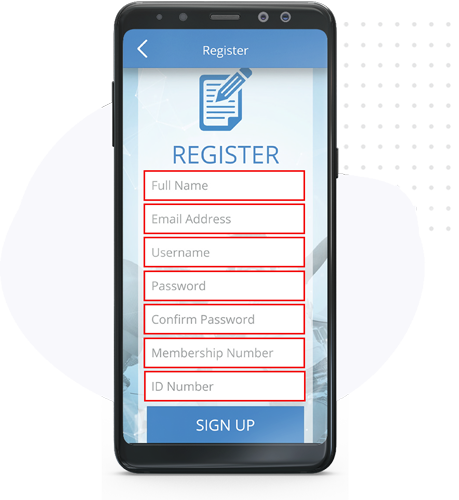
Enter your registration details as follows:
| Full Name | Main policy holder name | |
| Email Address | Main policy holder email address | |
| Username | Policy holder First Name | |
| Password | Enter a secure password | |
| Confirm Password | Confirm above password | |
| Membership Number | Use your Elixi Health policy number | |
| ID Number | Main policy holder ID number |
Once completed, click the SIGN UP button.
Step THREE
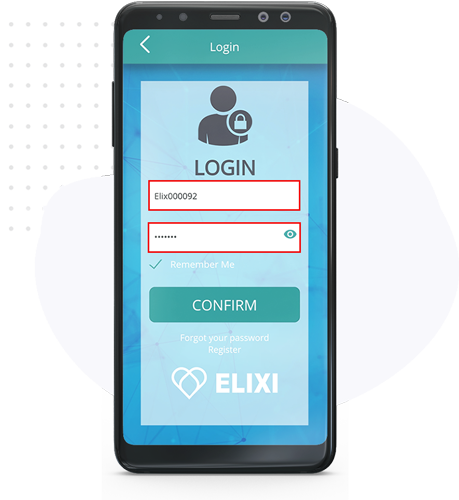
After clicking SIGN UP you will be redirected to the LOGIN screen.
Now enter your Login details you created in Step Two.
Step FOUR
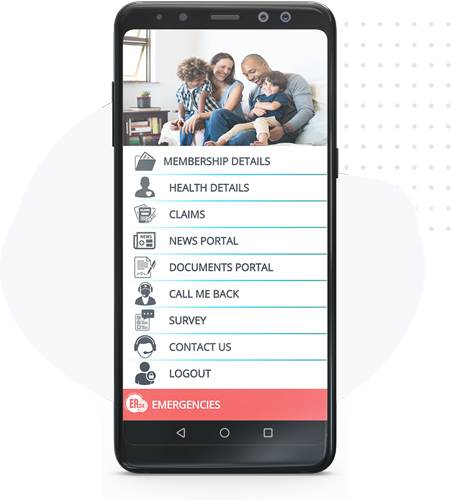
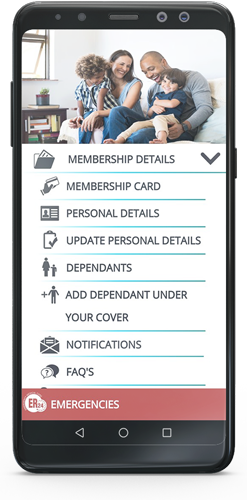
Once you have logged in, you will be redirected to the main navigation window.